Intro to Microcontrollers Using ESP32
IEEE Concordia
A hands-on workshop taking students from zero to WiFi-controlled LEDs — covering fundamentals of embedded programming, GPIO, sensors, and wireless communication.
Overview
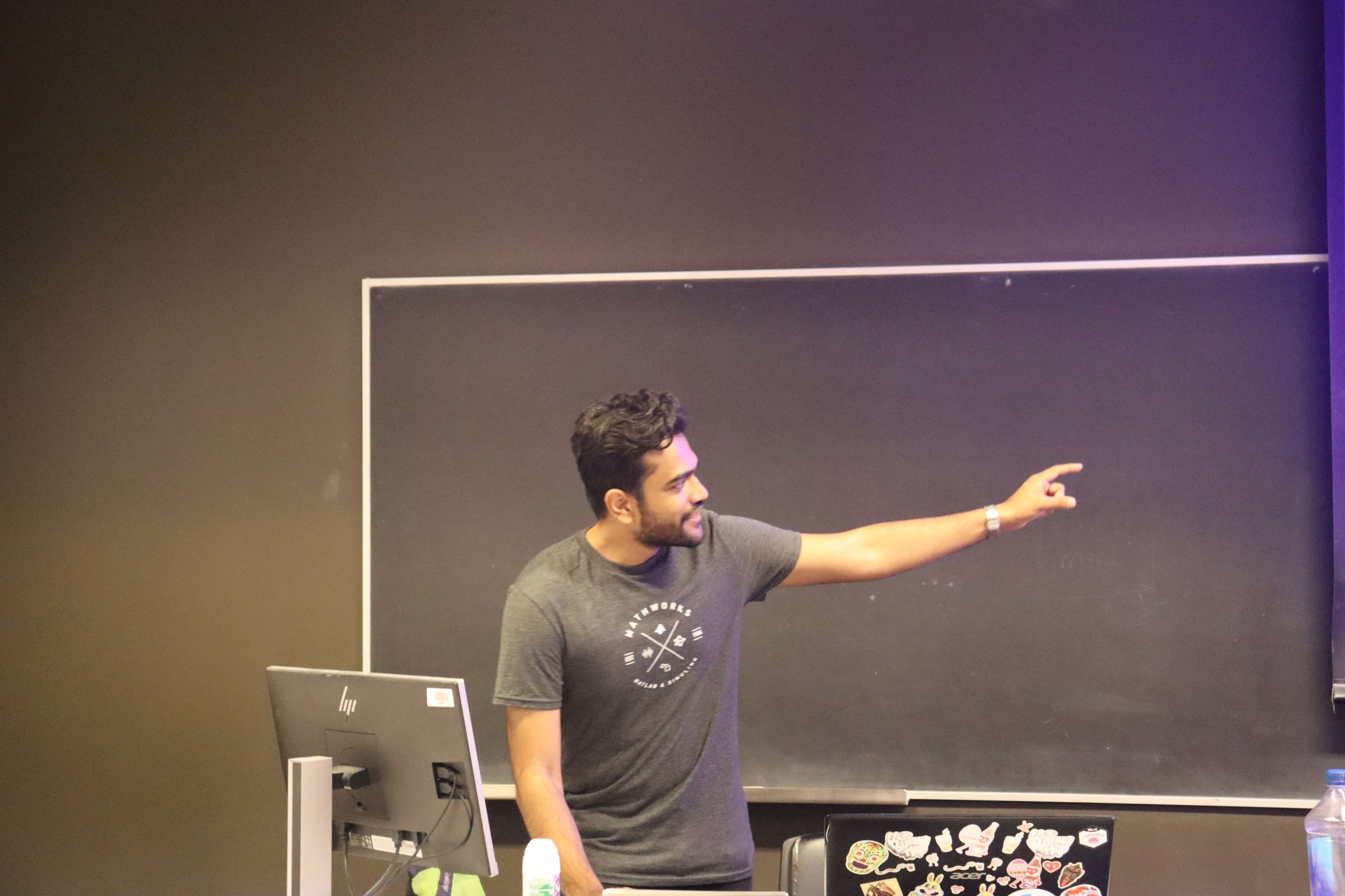
Another IEEE Concordia bi-weekly workshop where I introduced students to the world of microcontrollers. Starting from "what even is a microcontroller?" and ending with participants controlling LED brightness from their phones over WiFi.
Workshop Details
| Duration | 3 hours | | Attendees | ~30-40 students | | Audience | 1st-3rd year students, beginners welcome | | Role | Sole instructor | | Hardware | ESP32 dev kits provided to each participant |
Curriculum
Fundamentals
- What is a microcontroller vs. a computer?
- Understanding GPIO pins and pinouts
- Introduction to Arduino IDE
Programming Basics
- Variables, functions, and program structure
- The setup() and loop() paradigm
- Serial monitor for debugging
Digital I/O
- Digital read/write operations
- Working with LEDs and buttons
- The classic "blink" sketch
Analog I/O
- Analog sensors and ADC
- PWM for analog output
- Controlling LED brightness
Sensors
- Digital vs. analog sensors
- Reading sensor data
- Basic signal interpretation
WiFi & Networking
- ESP32's wireless capabilities
- Setting up a simple web server
- HTTP requests and responses
Hands-On Progression
Each participant received an ESP32 dev kit with sensors, LEDs, and components. The workshop followed a progressive structure:
- Blink — The "Hello World" of embedded systems
- Digital input — Reading button states
- Digital output — Controlling multiple LEDs
- Analog input — Reading sensor values
- PWM output — Fading LEDs smoothly
- WiFi finale — Controlling LED brightness from a phone
The Payoff
By the end, every participant had their ESP32 running a web server. They could open a browser on their phone, connect to the ESP32's network, and control the brightness of an LED in real-time.
I provided the web interface code so students could focus on understanding the hardware-software interaction rather than getting stuck on HTML/JavaScript.